
OER and KER: how to calculate extraction correctly from the daily mill report
Definitions
All three are recorded per shift in the daily mill processing report (Laporan Harian Pabrik, LHP), together with processing hours and downtime (waiting for fruit, mechanical breakdowns, boiler or power).
Where the FFB and CPO figures come from
As a balance, for any one period:
FFB received comes from weighbridge tickets. CPO stock comes from tank sounding: the oil height is converted to volume with the tank calibration table, then to mass with the density at the measured temperature. Decide up front whether the FFB basis is the weighbridge net weight or the weight after grading deductions, then use it consistently and state it in the report.
The most common mistake: averaging percentages
Example of two shifts in one day (example figures):
| Shift | FFB processed | CPO | Shift OER |
|---|---|---|---|
| Shift 1 | 300 t | 66.0 t | 22.00% |
| Shift 2 | 100 t | 23.5 t | 23.50% |
| That day | 400 t | 89.5 t | ? |
- Average of percentages: (22.00 + 23.50) ÷ 2 = 22.75%. Wrong, because the small shift is given the same weight as the large one.
- From totals: 89.5 ÷ 400 × 100 = 22.375%. This is the correct OER for the day.
The 0.375-point difference in this example comes purely from the averaging method, not from any change in mill performance. The same rule applies to KER, losses and monthly averages.
Losses and mass balance
When OER falls, look for the cause in oil losses: oil carried out at the sterilizer, press, empty fruit bunches and effluent. The laboratory measures losses against the sample and against FFB. Total daily losses are the sum of losses for each sample type against FFB; a day that does not yet cover every sample type should be marked incomplete, because its total is bound to be too low.
A mass balance compares FFB in with outputs (CPO, PK, shell, empty fruit bunches, fibre, water and effluent). Anything not weighed should be shown as it is, “not measured” or “estimate”, rather than filled in with standard percentages to look complete.
How Sawitara calculates it
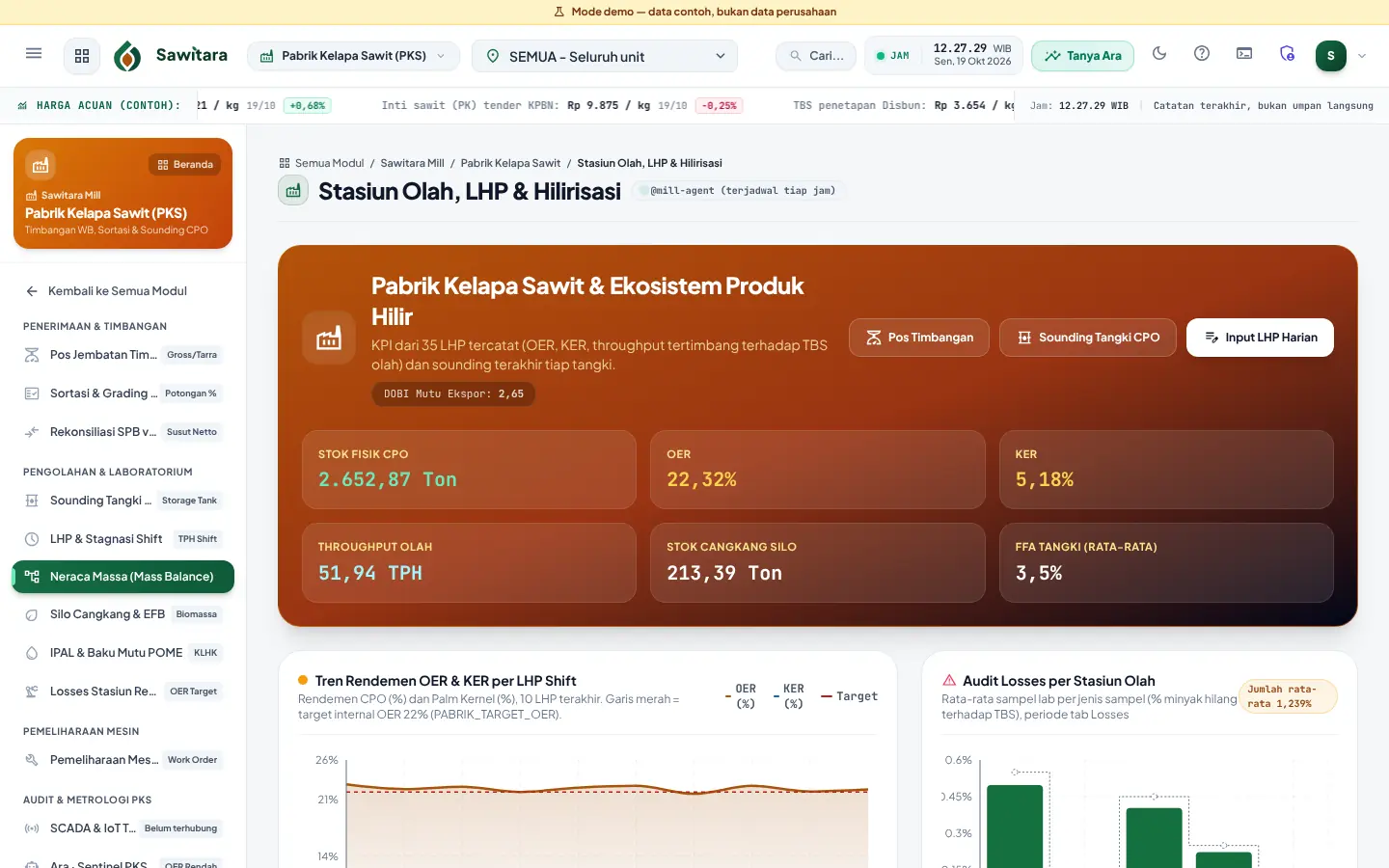
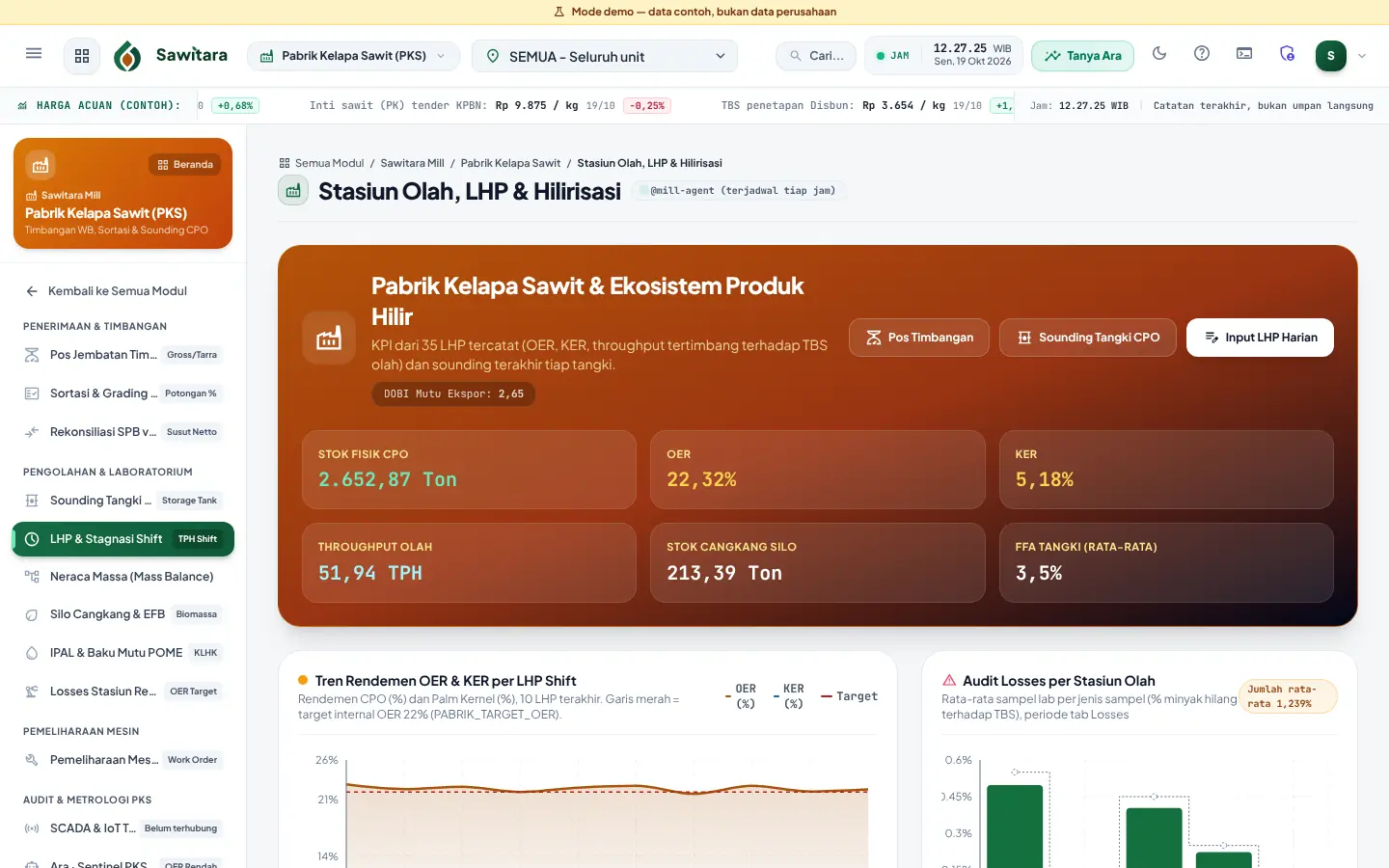
- The LHP per shift calculates OER, KER and throughput on save; one LHP per mill, date and shift.
- Period extraction on the mill dashboard is total CPO and PK divided by total FFB, not an average of percentages.
- Sounding calculates net stock from the tank calibration table and temperature-corrected CPO density (coefficients set in Business Parameters).
- The mass balance separates measured figures (CPO, PK), estimates (shell from the LHP is entered as an estimate) and what is not measured.
- Loss samples are compared with the internal target per sample type that you set.
See Sawitara with demo data
In 15 minutes we walk you from estate to general ledger, then discuss the products you need.